

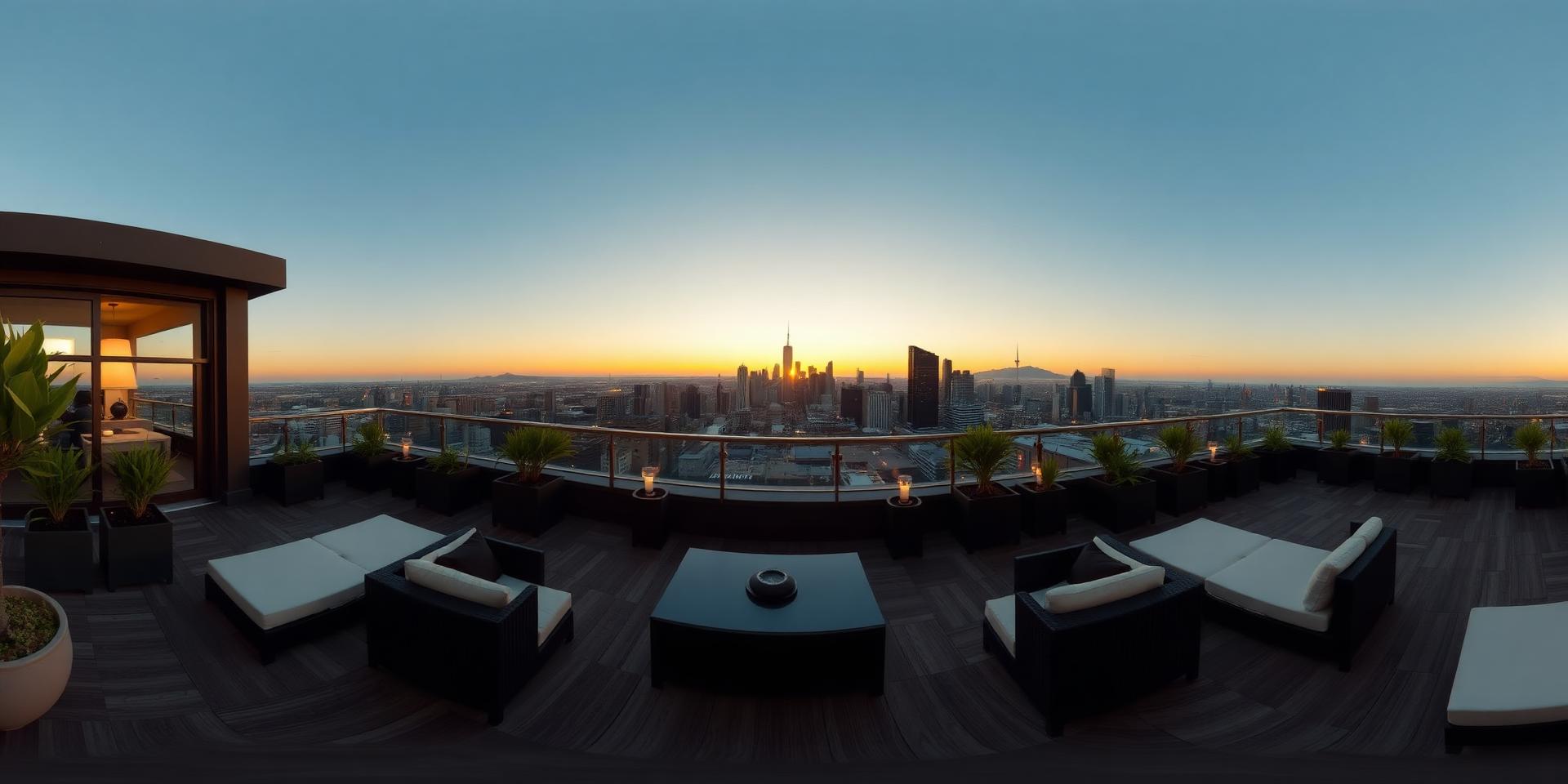
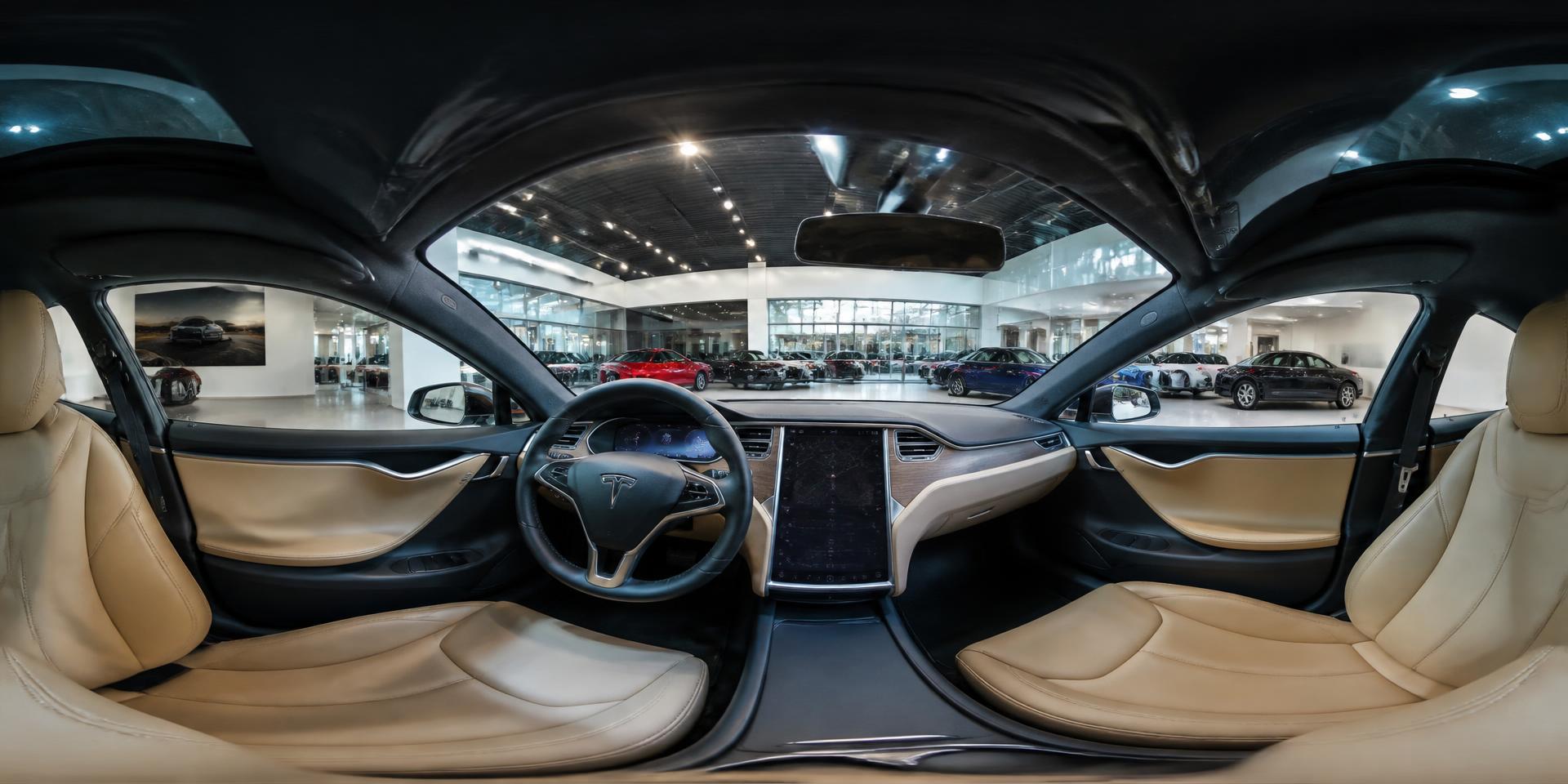
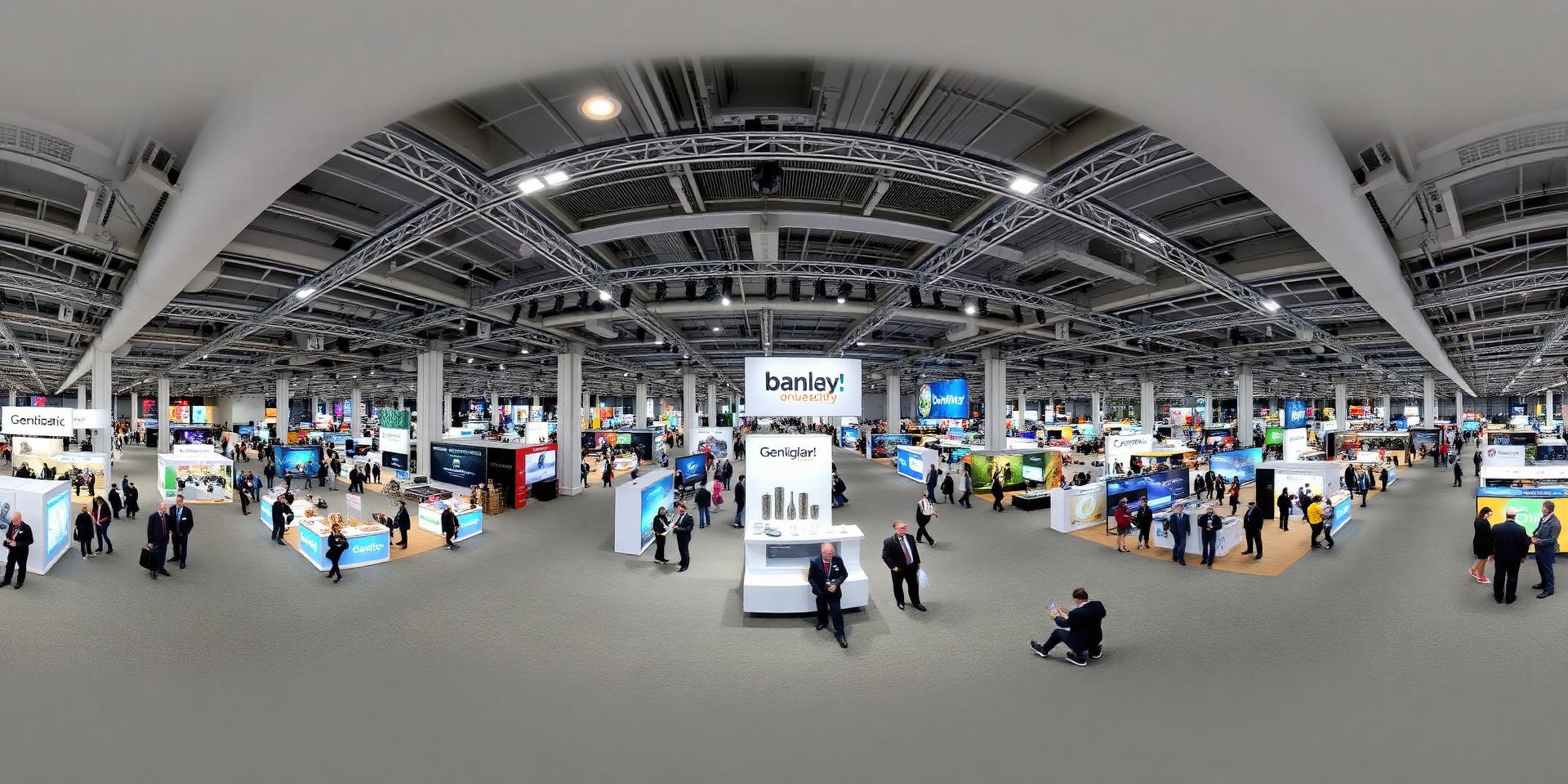
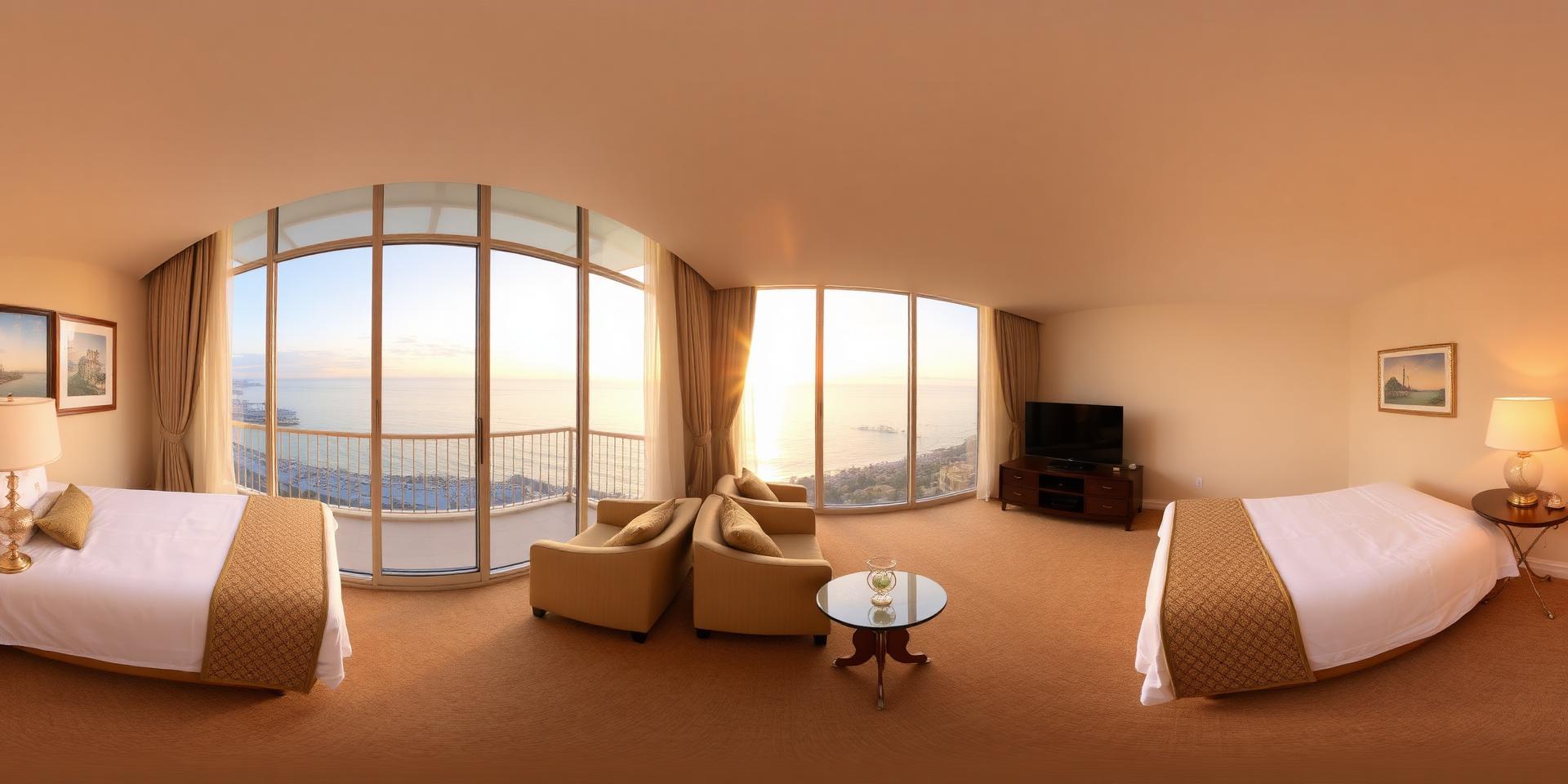
The platform

One platform. Any number of brands.

ImmerseReality is built as a stack: branded applications on the surface, immersive content underneath, engagement tools around it and data running through all of it. Each tenant operates its own brand, content library and audience inside the same infrastructure.

In practice

Branded app, immersive scene, back office.

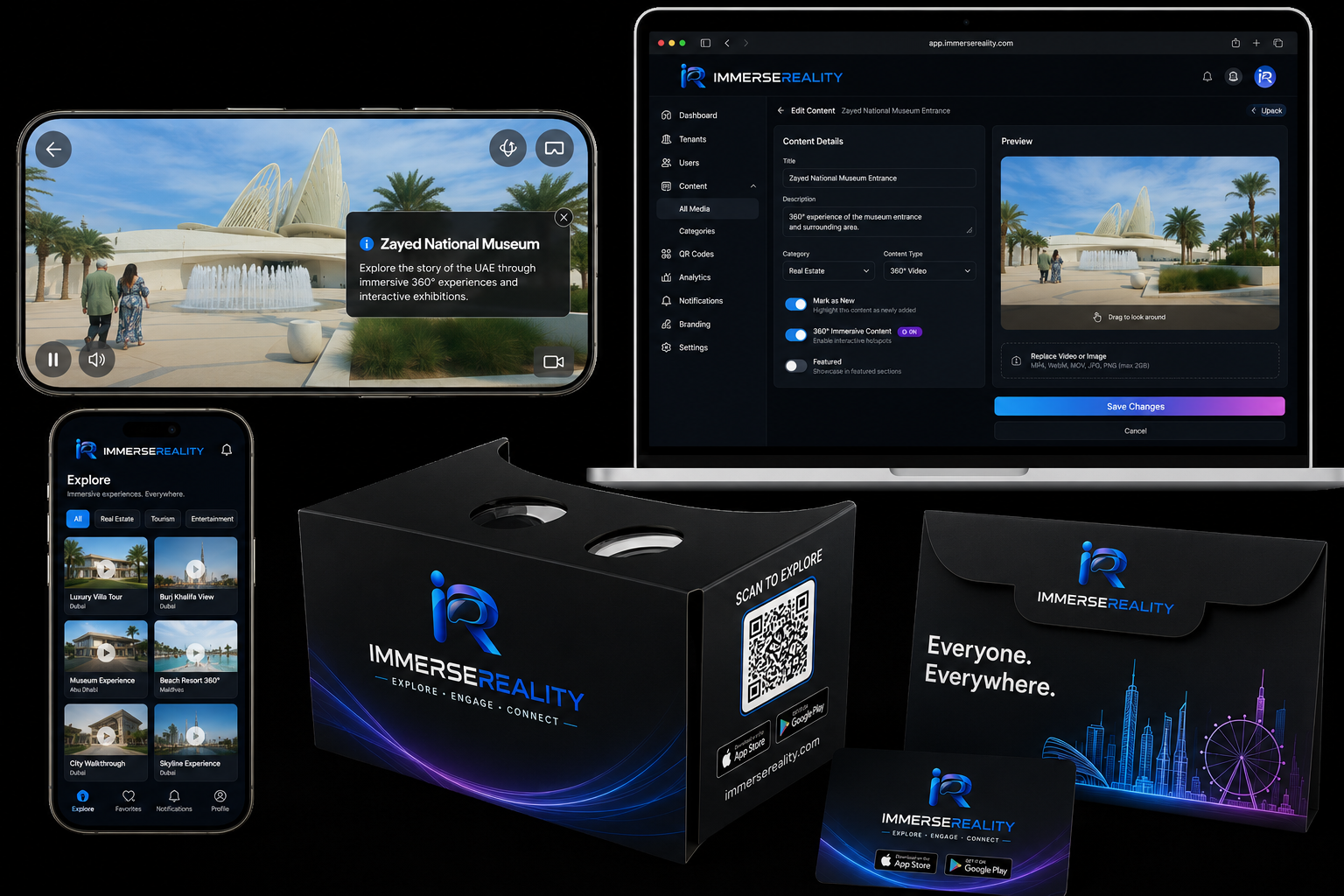
The same content moves from the editor to the customer's phone: a 360° tour with interactive hotspots inside a fully branded application, managed from one console.

ImmerseReality branded app: a 360° tour with an interactive hotspot on phone, the content library, the back-office editor on laptop and a branded Cardboard viewer.

10 · White-label applications

Your brand. Your app. Your customer relationship.

Every tenant receives a fully customised mobile application carrying its own corporate identity. Customers never encounter the platform behind it: company logo, brand colours, a custom App Store listing, an individual content library, a direct customer relationship and its own push and CRM data.

Each tenant operates inside the ImmerseReality infrastructure while presenting a completely independent brand, its own workspace, users, content, analytics and store presence. The result is the appearance and the functionality of a proprietary immersive platform, without the cost, the development team or the maintenance burden of building one.

Three tenants · one platform · three different apps

9:415G
Harbour Estates

Explore immersive residences.

Quayside penthouseDubai Marina
Skyline residenceDowntown
Show kitchenPalm Jumeirah
Roof terraceBusiness Bay
ExploreSavedAlertsProfile
Harbour Estates, own store listing, own library
9:415G
Northline Motors

Step inside the new range.

Inside the EX-7Cabin tour
Launch eventBerlin
Flagship showroomMunich
Night driveConfigurator
ExploreSavedAlertsProfile
Northline Motors, own store listing, own library
9:415G
Visit Coastland

See the coast before you fly.

Sunrise, north cliffsCoastland
Beach resort 360°Bay area
Harbour festivalOld town
Cliff terraceWest point
ExploreSavedAlertsProfile
Visit Coastland, own store listing, own library

06 · 360° content

360° content management.

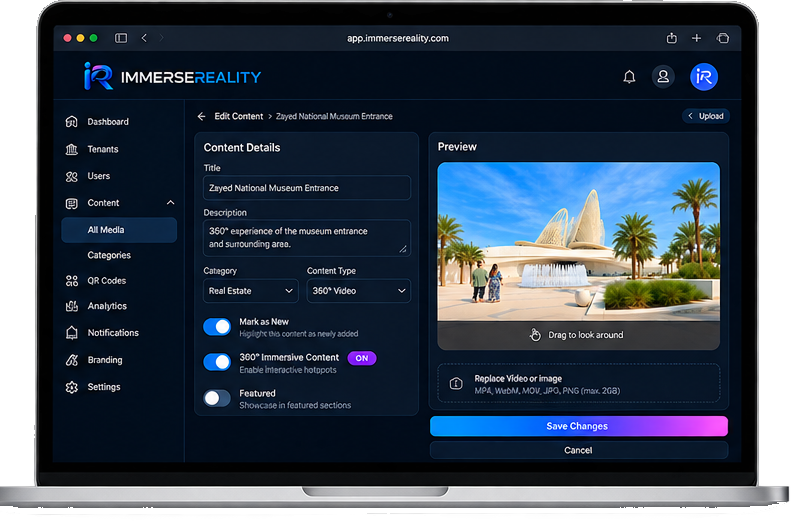
Upload, tag, organise and publish 360° photo and video into a tenant library, then assign each scene to the campaign, product or location it belongs to.

Back-office content editor on a laptop: content details form with title, description, category and 360° toggles beside a live 360° preview of a museum entrance.
  1. 01

    Upload

    Bring 360° photography and video into the tenant library from one console.

  2. 02

    Organise

    Group scenes into collections, tag them and control what is published.

  3. 03

    Publish

    Push content live to the branded apps without a new release.

  4. 04

    Assign

    Attach content to a campaign, a product or a physical location.

09 · Interactive hotspots

Turn a 360° video into something the customer can act on.

Any immersive scene can be enriched with interactive hotspots placed directly into the environment through the back office. No development. No coding.

Hotspots are also how people move: tap one to jump to the next floor, the next exhibition stand, the next attraction or the next room, and the 360° scene changes around them.

Hotspot inspector

3 in scene

Hotspot

Select a point in the scene, or a row in the inspector, to open its panel. With a keyboard, tab to a hotspot, then use the arrow keys to move between them and Escape to clear.

In the branded app · phone held horizontally

The same hotspots, in the customer's hand.

Landscape is how people watch a 360° scene on a phone. The hotspots stay in place and the panel opens as an in-app sheet.

Tap a hotspot inside the app

Swipe the sheet sideways to move between hotspots, swipe down to dismiss, or use the arrows.

  • Information

    Specifications, pricing, floor area, availability, surfaced at the point of interest.

  • Media

    Additional video, imagery or documents opened without leaving the experience.

  • Links

    A route through to a booking page, configurator, listing or enquiry form.

  • Navigation

    Jump straight to the next floor, the next exhibition stand, the next attraction or the next room, the scene changes on the spot.

  • Calls-to-action

    Advertising placements and promotions that turn an experience into a touchpoint.

Engage. Interact. Convert.

08 · QR-code management

Print it once. Change it forever.

Dedicated QR codes are generated for products, campaigns or locations in one click. Every scan opens the correct content inside the tenant's app and reports back through the dashboard.

Printed once

What the customer holds

  • A code on a window card, brochure, Cardboard, poster or stand.
  • Printed, shipped, distributed, then fixed in the physical world.

Re-pointed anytime

What the tenant controls

  • The same code can be activated, paused or re-assigned to a new campaign.
  • Or pointed at new content, no reprint, no reissue, no lost material.

One printed asset · unlimited campaigns behind it

04 · Data

Analytics & KPIs.

Scans, sessions, content performance and campaign reporting, per tenant. The dashboard below uses invented figures purely to show the shape of the reporting.

Sample data

Sessions over time

Content performance

Scans by campaign

Scans

4,000

Sessions

17,570

Avg. session

3m 12s

Leads captured

612

Coming Q4 2026Concept dashboard · sample data

Customer behaviour & journey intelligence

RFID and Wi-Fi location signals will follow the customer beyond the scan, which zone they entered, how long they stayed, what they came back to, and trigger an offer while they are still standing in front of it.

Tracked visitors

3,842

Avg. dwell / zone

2m 14s

Offers triggered

451

Offer conversion

18.4%

Tracking settings · per deployment

6/6 zones reporting

Filters out visitors who only pass through. Currently 30s.

0s4m

Venue zones · RFID + Wi-Fi

Stand A. Show suite, RFID · 1120 visits · avg. dwell 3m 34s

Average dwell by zone (seconds)

Location-triggered offers accepted (per hour)

Reconstructed journey · visitor #4417

  1. 10:04Cardboard scannedSpring print campaign · Entrance
  2. 10:06App installAnonymous session opened
  3. 10:11Wi-Fi zone: Atrium1m 36s dwell
  4. 10:19RFID: Stand A. Show suite3m 34s dwell · returned twice
  5. 10:23Offer pushed10% launch pricing, valid 24h
  6. 10:31RFID: Enquiry deskLead captured, named prospect

Offer triggers

  • RFIDStand A. Show suite

    When: Dwell over 3 minutes

    Send: 10% launch pricing on the unit being viewed

    214 sent · 63% opened

  • RFID360° demo bar

    When: Second visit same day

    Send: Private viewing slot, booked in-app

    96 sent · 58% opened

  • Wi-FiLounge

    When: Idle over 5 minutes

    Send: Coffee voucher + related 360° tour

    141 sent · 41% opened

Trigger rule tester · dry run

1/3 rules would fire

Replay a sample visitor event against the rules before they go live. Nothing is sent, this only shows which conditions the event satisfies under the current tracking settings.

Sample event

Zone

Would fireStand A. Show suite

When: Dwell over 3 minutes

  • Location-triggered offers enabled
  • RFID source on
  • Event happened in this zone
  • Dwell 3m 20s clears the 30s minimum
  • Rule condition met
  • Consent present for a targeted offer

Send: 10% launch pricing on the unit being viewed

No offer360° demo bar

When: Second visit same day

  • Location-triggered offers enabled
  • RFID source on
  • Event happened in this zone
  • Dwell 3m 20s clears the 30s minimum
  • Rule condition met
  • Consent present for a targeted offer
No offerLounge

When: Idle over 5 minutes

  • Location-triggered offers enabled
  • Wi-Fi source on
  • Event happened in this zone
  • Dwell 3m 20s clears the 30s minimum
  • Rule condition met
  • Consent present for a targeted offer

Location tracking is opt-in and consent-based, configured per deployment. Each tenant is responsible for the notices and permissions required in its own market. This capability is in development and not yet available; timing is indicative and will be confirmed closer to release.

Coming Q4 2026

AI customer-journey analytics

Journey reconstruction: the full path from Cardboard scan to app install to session to lead to conversion, assembled automatically.

Physical travel tracking: RFID and Wi-Fi location signals show where a customer went after scanning, which country, which venue, which stand.

Behaviour and interest profiles: dwell time, repeat visits and route patterns build a picture of what the customer is actually interested in.

Location-triggered offers: a discount pushed to the customer at the point of interest, in front of the property, the vehicle or the exhibit.

This capability is in development and planned for Q4 2026. If it matters to your roadmap, register your interest and we will keep you posted.

CRM & push

Push notifications & CRM.

Customer records, segmentation and push notifications that bring people back. Push messages carry new content, launches, events and offers, and the customer returns to the app, this time already known.

  1. Step 1

    Session

    A prospect explores a 360° tour inside your branded app.

  2. Step 2

    Contact

    Interest becomes a contact record in your tenant CRM.

  3. Step 3

    Notification

    A new property matching their interest triggers a push message.

  4. Step 4

    Return

    The message opens straight into the new immersive property tour.

Licensing models

Two licences. One dashboard.

Every experience is released under a licence, and the platform issues two kinds. Both are configured, distributed and measured from the same tenant dashboard, so a campaign that ships physical viewers to a shortlist and virtual access to everyone else is still one campaign, with one set of numbers.

Product licence

Tied to a physical item

Bound to a branded Cardboard viewer, a printed campaign asset or a packaged giveaway. The physical product is the key to the experience, handed out at an exhibition, posted with a brochure, packed into a welcome kit.

  • Highest engagement per recipient
  • Carries the brand into the customer's hands
  • Ideal for shortlists, events and high-value prospects

Virtual licence

View-only, no physical product

Issued digitally for remote prospects, online campaigns and large-volume distribution. No production, no shipping, no minimum quantity, the same content, reached through a link or a code.

  • Unlimited scale at near-zero unit cost
  • Instant issue and instant revocation
  • Ideal for online campaigns and remote markets

Both types: issued · active · redeemed · expired, per-campaign performance, side by side

On the roadmap

AI Guide.

Coming Q4 2026

A conversational guide inside the tenant's own experience. The customer will be able to ask questions about what they are looking at and talk directly about promotions, offers, bookings and listings, and a qualified enquiry is handed straight back to the tenant.

Configured per deployment

  • Tourist guide

    Destinations, itineraries, seasonal offers.

  • Property agent

    Listings, availability, viewings, pricing.

  • Adventure planner

    Activities, routes, packages, bookings.

  • Exhibitor

    Stand promotions, product detail, follow-up.

  • Talks, rather than presents

    The customer asks; the guide answers in the context of the scene they are currently inside.

  • Sells the promotion

    Special offers, packages and time-limited deals surfaced in conversation, not buried in a menu.

  • Takes the booking

    Enquiries, viewings, reservations and listing requests captured at the moment of interest.

  • Hands over a qualified lead

    Everything the customer asked about arrives with the lead record in the tenant back office.

In development and not yet available. Timing is indicative and will be confirmed closer to release.

07 · Cloud back office

Manage. Analyse. Optimise.

The dashboard is the central hub for every part of a tenant's immersive platform, content, users, QR codes and branded applications from one interface. Integrated analytics show which experiences hold attention and which campaigns produce leads.

  • Content library

    Upload, edit and organise 360° content.

  • User management

    Admin roles, permissions and audit trail per tenant.

  • Analytics & KPIs

    Views, scans, session length, campaigns.

  • Customer comms

    CRM records, segments and push campaigns.

  • Advertising & CTAs

    Promotional placements inside the experience.

  • Branding & tenants

    App configuration and permissions per brand.

Get started

Let's build your pilot.

Every deployment starts with a conversation. Whether you are a single company or an agency planning to run several client brands, we will scope a pilot that fits the campaign and the budget.